
Need for Speed: Underground 2 remains one of the most remembered street-racing games of its era. Released in 2004, it expanded the series with an open city, extensive visual customization, performance tuning, varied race events, and a strong sense of progression. Players still return to Bayview to build distinctive cars, explore hidden areas, and revisit a style of arcade racing that newer games do not reproduce in quite the same way.
Running an older game on a modern computer is not always straightforward. The original PC release was designed for hardware, display standards, and operating systems that are now decades old. Modern players may encounter resolution problems, missing-disc messages, crashes, controller issues, or confusion about patches and community modifications. Browser projects and console emulation offer additional possibilities, but they are separate from the official PC release and come with their own requirements.
This guide explains the main ways to play NFSU2, obtain a legitimate copy, prepare the PC version for Windows 10 or 11, use essential fixes, add mods in a sensible order, and avoid common mistakes. It does not provide game images, cracks, unauthorized downloads, product keys, or copyrighted installation files. Availability and compatibility can change, so verify current information before purchasing software, downloading a community tool, or modifying an existing installation.
NFSU2 Guide
NFSU2 is the widely used abbreviation for Need for Speed: Underground 2. The game was released on several platforms, including Windows and sixth-generation consoles, which means there is no single setup method that suits every player. The best route depends on the hardware available, whether the player owns an original copy, and how closely the desired experience should match the original release.
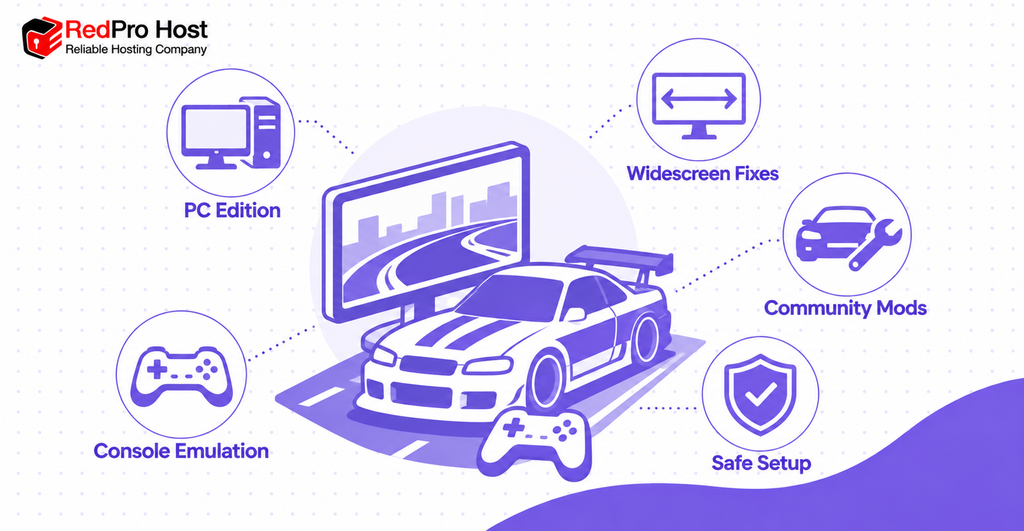
The Windows edition is usually the most flexible choice for widescreen fixes, visual improvements, additional cars, and gameplay mods. Console emulation can offer a more authentic console-style experience with modern conveniences such as controller remapping and higher rendering resolutions. Community browser ports can be convenient for quick access, but they should not be mistaken for an official remaster, authorized store release, or complete replacement for the original game.
A safe setup begins with three principles: use a legitimately obtained copy, download patches and tools from their original project pages, and back up working files before making changes. These habits reduce the chance of malware, broken installations, lost saves, and difficult-to-diagnose conflicts.
Choose How You Want to Play NFSU2
Players can approach NFSU2 through a browser project, the original Windows version, console emulation, or a community solution for macOS. Each method has different strengths. A browser may be convenient, while a patched PC installation offers greater control. Emulation can preserve the console experience, and a Mac community build may reduce setup work for Apple users when its source and requirements are transparent.
| Method | Best suited to | Main advantage | Main limitation |
| Community browser port | Quick testing and convenient access | Little local setup | Project quality, saves, and feature support can vary |
| Original Windows release | Mods, fixes, and customization | Broad community-tool support | Requires patches and configuration on modern systems |
| Console emulation | Players who own the console version | Console-style experience with modern rendering options | Requires an emulator, adequate hardware, and personal game data |
| Community Mac solution | Apple users seeking a simpler route | May provide a more integrated Mac experience | Support, architecture, and project status vary |
Before choosing, decide whether mod support, original behavior, ease of use, or platform accuracy matters most. Do not assume that saves, mods, or online functions can move between methods. Each release can use different files, executable code, controls, and progression data.
Play NFSU2 in a Browser
Community developers have experimented with recompiling or adapting older software so that it can run through a modern browser. A browser port may let a player start more quickly than a traditional PC installation, but it is still a separate community project. Its code, hosting, save system, controls, assets, and update process may differ from the original Windows game.
Check who maintains the project, whether its source code or technical credits are public, and whether it explains how copyrighted game assets are handled. Review its privacy policy before creating an account or uploading a save. A browser project should also explain which browsers it supports, where progress is stored, whether the game works offline, and what happens if the service closes.
Browser performance depends on hardware acceleration, available memory, browser extensions, and the project’s implementation. If the page remains blank or loads slowly, try an up-to-date browser, confirm that hardware acceleration is enabled, temporarily test without content-blocking extensions, and check the project’s own status page. Never install an unrelated extension or executable merely because a pop-up claims it is required.
Install NFSU2 on Windows 10 or 11
The original PC edition can run on modern Windows systems, but it may need preparation. Start with a clean installation from a legitimate disc and keep a backup before adding any community files. Install the official update appropriate to the edition, then test the unmodified game before applying widescreen support or optional mods.
Avoid installing the game inside a heavily protected folder if a community tool needs to update configuration files. A dedicated games directory can reduce permission-related trouble, although users should never grant administrator access to an unknown executable without understanding why it needs that access. Keep the installation path simple and avoid unusual symbols if an older utility cannot recognize them.
After the base game launches, configure resolution and controls, close the game, and back up the working folder. Add one fix at a time and test after each change. This slower approach makes it much easier to identify the cause of a crash than copying a large bundle of patches and mods into the game at once.
Play Through Console Emulation
Console emulation is useful for players who own an original console copy and want to run their personal game backup on current hardware. The PlayStation 2 edition can be used with an appropriate emulator, but the user is responsible for obtaining game data and required firmware legally from hardware they own. Emulator downloads should come from the emulator’s official project page.
The official PCSX2 documentation explains installation, configuration, system requirements, and troubleshooting for supported operating systems. Follow the current documentation because emulator interfaces and recommended settings change over time. Automatic settings are generally a better starting point than copying old configuration values from videos or forum posts.
Performance varies with the computer, rendering resolution, graphics backend, and accuracy settings. Begin with default options, connect and map a controller, and test the game before increasing internal resolution or enabling advanced enhancements. If stuttering appears, change one setting at a time and consult the official troubleshooting material instead of downloading an unverified “performance pack.”
Use a Community Mac Version
Mac users may encounter projects described as native apps, wrappers, ports, or recompiled versions. These terms are not interchangeable. A native application is built for macOS, while a wrapper may run the Windows release through a compatibility layer. Emulation recreates another platform, and a recompiled project translates or rebuilds code for a new environment.
Before using a Mac solution, identify exactly what it is, who maintains it, and whether it supports Intel processors, Apple silicon, or both. Check whether it requires original game data, Rosetta, a compatibility layer, or a separate controller configuration. The project should disclose its source, update history, known limitations, and installation steps.
Do not bypass macOS security warnings simply because an anonymous comment says the file is harmless. Verify the developer or project source, scan the download, and avoid packages that request unrelated permissions. A community build can be convenient, but convenience is not proof of authorization or security.
Legal Ways to Obtain the Original Game
Older licensed games can disappear from digital stores when publishing, music, vehicle, or technology agreements expire. At the time of writing, a currently purchasable official digital edition of the original Underground 2 was not readily identifiable in the major PC storefront searches reviewed for this guide. That situation can change, so check the publisher’s current catalog and established storefronts before relying on an older article.
An original retail disc is the clearest option when no official digital release is available. Reputable second-hand marketplaces, local game stores, and specialist retro retailers may carry the PC or console edition. Before buying, confirm the platform, region, disc condition, included discs, manual or key requirements, and the seller’s return policy. A listing that shows only a stock image may not reveal whether important components are missing.
Some historical demo versions may also exist, but a demo is not a full replacement for the retail game. Obtain demos from reputable archives that document the original source and preserve files without bundling installers or advertising tools. Do not confuse a community repack, compressed ISO, or “preinstalled” download with an authorized demo.
Avoid websites that offer cracks, shared product keys, or full game images without a clear license. Besides the copyright problem, these downloads are a common way to distribute credential stealers, miners, unwanted advertising software, and modified executables. Antivirus scanning helps, but it cannot turn an unauthorized or unverifiable copy into a trustworthy one.
Essential Fixes for Modern PCs
The PC version was designed around older display ratios, input methods, and Windows behavior. A modern setup may therefore need an official update, a widescreen correction, and a small number of compatibility adjustments. The goal is to make the original installation work reliably before adding content that changes cars, textures, events, or game limits.
Document the starting state before applying fixes. Record the game edition, executable version, installation path, display resolution, and operating system. Keep original files in a separate backup folder. When a fix includes a configuration file, read its documentation instead of accepting every default value.
Official Patch and Compatibility Settings
Use the final official patch intended for the specific regional or retail edition. A patch can correct bugs and provide the base version expected by community tools. Confirm the installed version after patching, because some releases may already include updates while others require a separate installer.
Compatibility mode is not automatically necessary. First try the patched game normally. If it fails, test documented options such as running with appropriate permissions, changing fullscreen behavior, or using a compatibility setting recommended for the exact issue. Applying every compatibility checkbox at once can create new problems and make the real cause harder to identify.
Only download official patches from a source with clear provenance. Compare file hashes when a trusted project publishes them. Avoid installers that include unrelated download managers, browser offers, or system-cleaning utilities. A legitimate game patch should not ask for passwords, cryptocurrency payments, or access to personal documents.
Widescreen and Resolution Fixes
Modern monitors commonly use 16:9 or wider aspect ratios, while older games were often designed around 4:3 displays. Merely selecting a larger resolution can stretch the image, crop menus, or place interface elements incorrectly. A well-maintained widescreen fix adjusts the field of view, interface placement, and supported resolution behavior rather than simply enlarging the output.
Download a widescreen solution from its original developer or repository and check that it supports the installed game version. Read the included documentation, back up files that will be replaced, and set the desired resolution in the documented configuration file. Test menus, cutscenes, races, and vehicle customization because a fix can affect each part differently.
If the game stops launching, restore the backup and confirm that the fix was placed in the correct folder. Security tools may flag code-injection techniques used by some display fixes, but a warning should not be dismissed automatically. Verify the source and published checksums, review community reports, and do not create a blanket antivirus exclusion for a large directory.
Common Launch, Disc, and Save Problems
A missing-disc message can result from an incomplete installation, the wrong disc being inserted, a damaged disc, a drive-reading problem, or a mismatch between the installed edition and its files. Confirm that all required discs were used correctly and inspect the media for damage. Do not use a crack as the default solution, especially when the underlying issue may be a missing file or incorrect installation.
Crashes at launch can come from configuration files, overlays, unsupported resolutions, missing runtime components, or incompatible mods. Temporarily test a clean configuration and disable nonessential overlays. Restore original files before troubleshooting the operating system itself. If the clean game works, reintroduce fixes individually until the conflict appears.
Save files should be backed up before reinstalling, changing profiles, or testing major mods. Determine the save location for the specific PC release or emulator, then copy the entire profile folder while the game is closed. Cloud-sync tools can sometimes restore an older file over a newer one, so verify timestamps before enabling synchronization.
How to Install NFSU2 Mods
Mods can update visuals, expand supported car lists, change handling, add vehicles, alter progression, or expose additional configuration options. They can also depend on one another. A successful modded setup therefore requires a known base version, careful backups, and an installation order that places foundational tools before optional content.
Read the requirements for every mod. Check the supported executable version, required libraries, known incompatibilities, and whether starting a new save is recommended. A visually impressive mod page does not guarantee that the download is current or compatible with an existing build.
Recommended Mod Installation Order
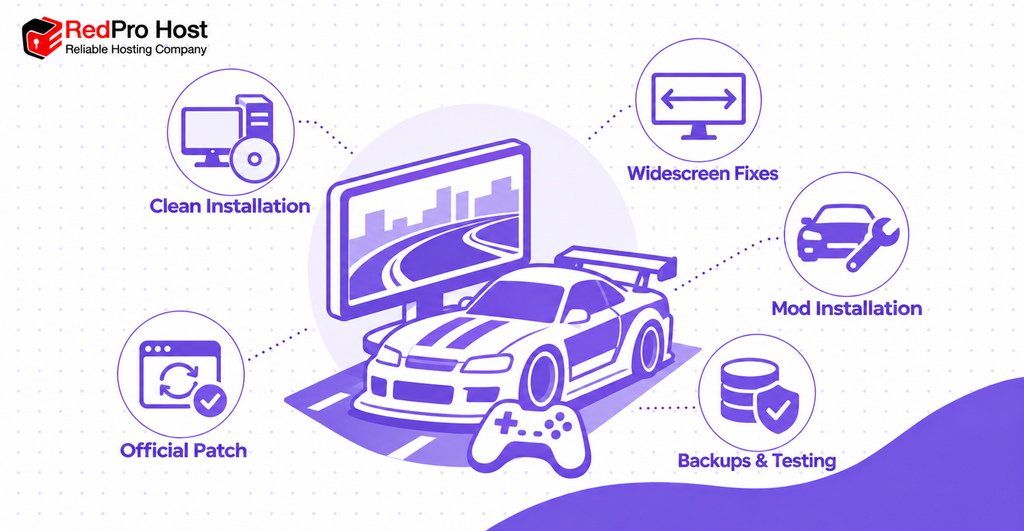
A sensible order begins with the clean game and its official update. Next, install stability and display fixes. Add general configuration tools or limit expanders only after the base game works correctly. Vehicle packs, textures, interface changes, and optional gameplay adjustments should come later.
A typical sequence is:
- Clean, legitimate game installation.
- Correct official patch for the installed edition.
- Widescreen and essential compatibility fixes.
- A documented options tool, if required.
- A limit-expansion tool required by additional vehicles or content.
- Car mods, visual packs, interface changes, and gameplay adjustments.
- Final configuration and a complete launch test.
This order is a framework rather than a universal rule. A mod’s current documentation takes priority because some packages include dependencies, require a particular loader, or conflict with tools that would normally be installed earlier. Never overwrite a warning simply to finish the process faster.
Backups and Conflict Prevention
Create a clean backup immediately after confirming that the patched base game launches. Create another after essential fixes work, and a third before installing a large content pack. Label each backup with the game version and date so it can be restored without guessing.
Keep a simple change log listing every mod, version, source URL, and modified folder. If two mods replace the same file, investigate whether a compatibility patch or manual merge is required. Installing the second package over the first may silently remove features or cause a crash later in the career mode.
Test after each significant change. Open the menus, load a profile, enter a race, visit customization, and check newly added content. When a problem appears, the most recent change is then the logical starting point. Large all-in-one bundles are harder to troubleshoot because they obscure individual versions and file origins.
Cars, Map, Controls, and Cheat Codes
Reference information can make the game easier to revisit without altering its balance. A car list helps players plan purchases and builds, while a Bayview map explains how districts and event locations connect. A controls guide is especially useful when moving between keyboard, controller, browser, and emulator setups.
Control bindings should be checked inside the selected version rather than copied blindly from another platform. The Windows edition, console releases, community ports, and emulators may assign acceleration, braking, nitrous, camera, and menu actions differently. When using an emulator, map controls in the emulator first, then verify that the game recognizes them correctly.
Built-in cheat codes should be distinguished from external trainers. Documented codes entered through the game may unlock specific content or alter progression in known ways. Trainers and modified executables run separate code, can trigger security warnings, and may not match the installed version. Back up saves before using any code that changes career progress or inventory.
Bayview exploration is part of the game’s appeal, so a map should support discovery rather than replace it entirely. Use it to locate districts, shops, events, and hidden opportunities when progress stalls. For car tuning, change one parameter at a time and test it in a consistent event to understand whether the adjustment actually improves performance.
Is There an Official NFSU2 Remaster?
No verified official announcement of an Underground 2 remaster was identified in the sources reviewed for this article as of November 24, 2026. This is a dated status statement, not a claim that a remaster can never happen. The publisher’s official channels remain the appropriate place to verify any future announcement.
Fan projects can easily be mistaken for official releases. Unreal Engine demonstrations, high-resolution texture packs, reshade presets, browser recompilations, and edited concept videos may use familiar cars or locations, but they do not become official merely because they look polished. Check who published the material, whether the original publisher is named, and whether an official product page or press release exists.
Rumors should be treated cautiously when they cite anonymous insiders, recycled screenshots, or social posts without a direct announcement. A genuine remaster would normally have clear publisher attribution, supported-platform details, release information, and an official storefront presence. Until those signals exist, community projects should be labeled accurately as community work.
Frequently Asked Questions
The following answers address common questions about playing NFSU2 today. Project activity, storefront listings, operating-system behavior, and community services can change, so verify time-sensitive details through the linked project’s official documentation.
Can I Play NFSU2 Online Today?
The original official online environment should not be assumed to remain available. Some versions may support local-network play, while community projects may offer their own multiplayer methods. These options are not necessarily compatible with one another and can require specific versions, ports, private servers, or third-party networking tools.
Before joining a community service, review its setup guide, privacy practices, account requirements, and current activity. Use a unique password and avoid tools that request unrelated system access. Multiplayer modifications should be tested on a backed-up installation separate from a stable single-player setup.
Is a Browser Port the Official Game?
No. A browser port is a community-created method of running or adapting the experience in a web browser. It is not an official remaster or a publisher-operated digital edition unless the original rights holder explicitly identifies it as such.
Evaluate each project independently. Look for clear credits, source information, documentation, update history, and an explanation of how game data is supplied. Do not assume that every site embedding a similar build is maintained by the original community developers.
Can I Buy NFSU2 Digitally?
A verified current official digital listing for the original game was not identified during the November 24, 2026 review used for this article. Store catalogs and licensing arrangements can change, so search the publisher’s catalog and major storefronts before purchasing a second-hand copy.
If a website sells a “digital key,” confirm which platform and store will redeem it before paying. An image of a box or an old logo is not proof that a key is valid. Use payment methods with buyer protection and avoid sellers that require cryptocurrency, gift cards, or remote access to a computer.
Does NFSU2 Work on Windows 11?
Many players run the original PC release on modern Windows with the correct patch and community fixes, but compatibility is not guaranteed for every system. Disc condition, edition, installation path, display settings, graphics drivers, security software, and installed mods can all affect the result.
Begin with a clean installation, apply the appropriate official update, and confirm that the base game starts. Add widescreen support and optional tools one at a time. If a problem occurs, compare it with the documented behavior for the exact game version instead of assuming Windows 11 alone is responsible.
Conclusion
NFSU2 can still provide an excellent arcade-racing experience, but the best setup depends on the player’s platform and priorities. Owners of the PC release gain the widest range of community fixes and mods. Console owners can use original hardware or a properly configured emulator with their own game data. Browser and Mac community projects can be convenient, provided their source, requirements, and limitations are clearly understood.
The safest process is consistent across every method: obtain the game legally, use official or original project sources, preserve clean backups, install one change at a time, and verify claims before running unfamiliar software. Avoid cracks, mystery bundles, misleading remaster downloads, and tools that ask for permissions unrelated to a racing game.
With a stable base installation, correct widescreen handling, carefully selected mods, and documented backups, players can explore Bayview without turning setup problems into a larger project than the game itself. Patience during installation produces a more reliable result and makes future troubleshooting far easier.