
Choosing the right web hosting service affects your company’s website speed, security, and reliability. Web hosting providers offer different plans, including shared hosting, VPS, and cloud hosting. Each option comes with different resource limits, pricing, and management responsibilities. Understanding these differences helps you avoid paying for hosting that doesn’t meet your business requirements.
A poor hosting choice can cause slow loading, unexpected downtime, and additional expenses. These problems can interrupt customer access, especially during important sales or marketing campaigns. Even an affordable plan can become expensive when renewal fees and essential services are added.
Learning how to choose hosting services for your company helps you make an informed purchasing decision. This guide explains seven practical tips for evaluating hosting requirements, performance, security, and long-term costs. You’ll also learn how to compare providers, avoid common mistakes, and select hosting that supports business growth.
What Is Business Web Hosting, and Why Does It Matter?
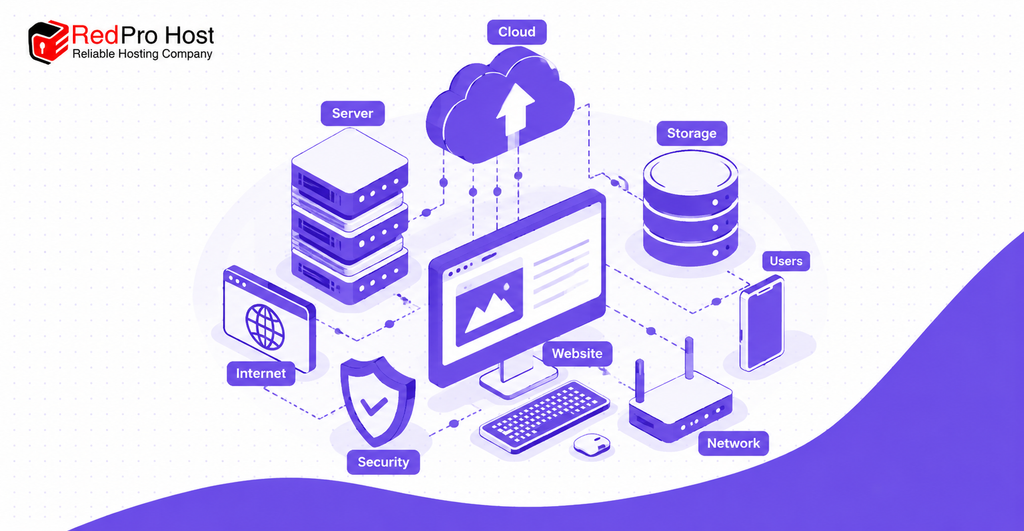
Business web hosting is a service that stores your company’s website and makes it accessible through the internet. A hosting provider supplies the server infrastructure needed to deliver website content to visitors. This infrastructure includes computing power, storage, network connectivity, and supporting software.
When someone enters your website address, their browser requests content from the hosting server. The server responds with website files, including images, product descriptions, and contact forms. Hosting resources help determine how efficiently these requests are processed.
Reliable web hosting matters because website availability and performance directly affect customer access. For example, an online store needs sufficient capacity to display products and process transactions. A consulting company may require fewer resources but still needs dependable website access.
The right service depends on your business requirements rather than the highest advertised specifications.
1. Identify Your Company’s Hosting Requirements
Start by identifying your website’s purpose, expected traffic, technical requirements, and available budget. These factors determine which hosting plan can support your business effectively. Understanding your actual workload also helps prevent unnecessary spending.
Determine Your Website Type and Purpose
Your website’s purpose affects the amount of hosting capacity it requires. A five-page company website generally needs fewer resources than an ecommerce store containing 1,000 products. A custom booking application may also require specific software and database support.
Identify whether your website is informational, transactional, or application based before comparing hosting plans. For example, a WordPress blog requires compatible PHP and database support. An online store may also need secure payment integrations and additional processing capacity.
Estimate Website Traffic, Storage, and Bandwidth
Website traffic, storage, and bandwidth determine how much hosting capacity your business may need. Traffic refers to visitor activity, while storage holds website content and databases. Bandwidth describes how much data your website transfers over a network.
For example, 10,000 visits transferring 2 MB each would consume approximately 20 GB of data. Actual usage also depends on caching, image sizes, and additional requests. Peak simultaneous traffic can matter more than monthly visitor totals.
Ask each provider about CPU allocation, RAM limits, storage capacity, and concurrent request restrictions. These specifications help identify whether a plan can handle your expected workload. Be cautious when a provider advertises unlimited resources without explaining its fair-use policy.
Consider Your Technical Skills and Future Growth
Your team’s technical experience should influence whether you choose managed or unmanaged hosting. Managed hosting typically includes selected maintenance and monitoring services. Unmanaged hosting places more server administration responsibilities on your business.
Consider how your website might grow over the next 12–24 months. A company planning an online store may eventually need more computing capacity. Choose a provider that supports practical upgrades without requiring a complicated migration.
2. Choose the Right Type of Web Hosting
The right hosting type depends on your website workload, budget, technical skills, and required level of control. Shared, VPS, cloud, and dedicated hosting serve different business requirements. Compare their capabilities before selecting a plan.
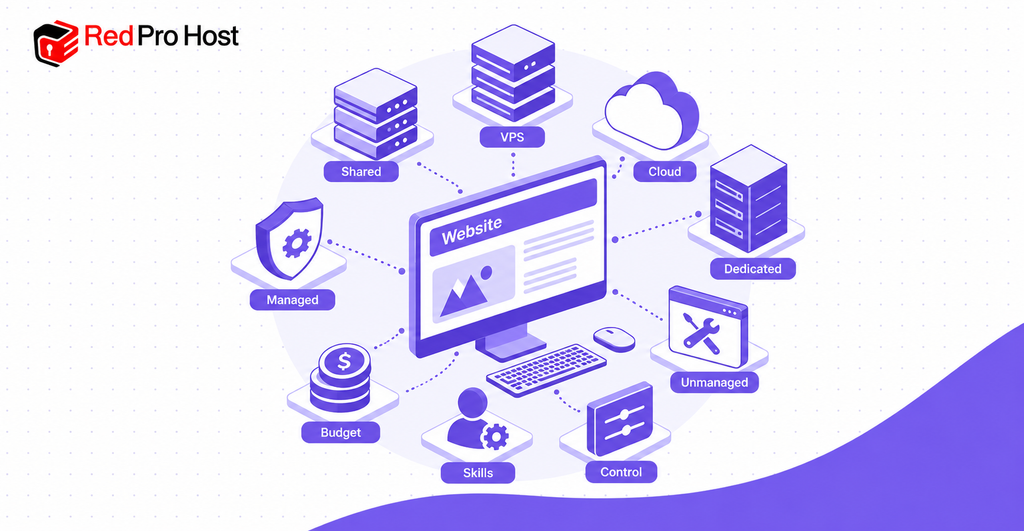
Shared Hosting
Shared hosting places multiple customer websites on one server with shared computing resources. It generally costs less than hosting with dedicated resource allocations. A small consulting company with a basic informational website may find this option sufficient.
However, shared resource limits can affect performance during periods of higher demand. Some plans restrict CPU usage, memory consumption, and simultaneous processes. Check these limits before choosing shared hosting for an expanding business.
VPS Hosting
Virtual Private Server (VPS) hosting divides a physical server into separate virtual environments. Each VPS receives allocated resources and greater administrative control than typical shared hosting. This can provide more predictable capacity for resource-intensive applications.
For example, a growing online store may choose VPS hosting for additional memory and processing power. Unmanaged VPS hosting usually requires server administration knowledge. Managed VPS hosting may suit businesses without dedicated technical staff.
Cloud Hosting
Cloud hosting uses cloud infrastructure to operate websites and applications with flexible computing resources. Depending on the design, workloads can run across multiple virtual machines or physical servers. This flexibility can help accommodate changing demand.
For example, an ecommerce company may need additional capacity during a seasonal promotion. Some cloud services support automatic scaling when traffic increases. However, scalability and redundancy depend on the chosen plan and configuration.
Dedicated Server Hosting
Dedicated hosting provides an entire physical server for one customer. This arrangement offers extensive control over server resources and configurations. It may suit companies operating demanding applications or requiring specific infrastructure controls.
Dedicated hosting generally costs more than entry-level shared hosting. Server administration can also create additional expenses. A dedicated server does not automatically provide better security or availability without proper management.
Managed vs. Unmanaged Hosting
Managed hosting includes selected administration services, while unmanaged hosting gives customers greater maintenance responsibility. These management models can apply to VPS, cloud, and dedicated environments. Always verify which tasks are included in the service agreement.
For example, managed hosting may include operating system updates, monitoring, and backup administration. Unmanaged hosting may require your company to complete these tasks independently. The better choice depends on your technical expertise and available staff.
Quick Hosting Type Comparison
| Hosting type | Main advantage | Main limitation | Suitable business |
| Shared | Lower entry cost | Shared resource limits | Small company website |
| VPS | Allocated resources and control | May require technical management | Growing business |
| Cloud | Flexible resource allocation | Potentially variable costs | Changing workloads |
| Dedicated | Extensive server control | Higher expense and administration | Demanding applications |
| Managed | Reduced maintenance workload | Additional service charges | Company without an IT team |
3. Evaluate Hosting Performance and Reliability
Choose hosting that delivers consistent website speed, adequate server resources, and dependable availability. Performance claims should be supported by measurable evidence rather than advertising language. Compare relevant technical specifications before purchasing.
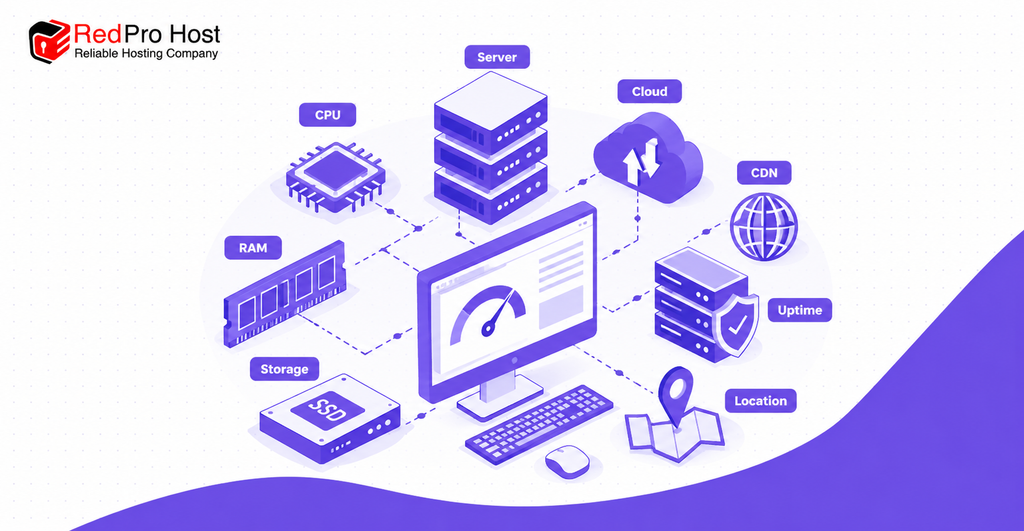
Check Website Speed and Server Resources
Hosting performance depends partly on CPU capacity, RAM, storage speed, and server configuration. CPU processes requests, while RAM supports active operations. SSD and NVMe storage can provide faster data access than traditional hard drives.
Google recommends a Largest Contentful Paint (LCP) of 2.5 seconds or less for good loading performance. This measurement tracks when the largest visible page element finishes rendering. The recommended threshold applies to at least 75% of page visits.
Use tools such as Google PageSpeed Insights and WebPageTest to evaluate your website. Test important pages, including your homepage, product listings, and checkout. Remember that images, website code, caching, and network conditions also influence loading speed.
Understand Uptime Guarantees and SLAs
Uptime measures website availability over a defined period, usually expressed as a percentage. A 99.9% annual availability target permits approximately 8.76 hours of downtime. A 99.99% target permits approximately 52.6 minutes annually.
A service-level agreement (SLA) defines the hosting provider’s formal service commitments. Check how downtime is measured and whether planned maintenance is excluded. Also, review eligibility requirements for refunds or service credits.
An uptime guarantee does not prove that a provider consistently achieves the promised availability. Review credible historical monitoring data when available. Ask the provider how it handles outages, incident communication, and service recovery.
Consider Server Location and CDN Support
Server location can affect the time required to deliver website data to visitors. Hosting closer to your primary audience may help reduce network latency. However, application design and network routing also affect actual performance.
A content delivery network (CDN), such as Cloudflare, can serve cached content from distributed locations. This can improve delivery speeds for geographically distant visitors. Check CDN compatibility when your company serves customers across different regions.
4. Check Hosting Security and Backup Features
Choose hosting with appropriate security controls, reliable backups, and clear data protection responsibilities. These safeguards help reduce operational risk and support website recovery. Their importance increases when a company processes customer information or online transactions.
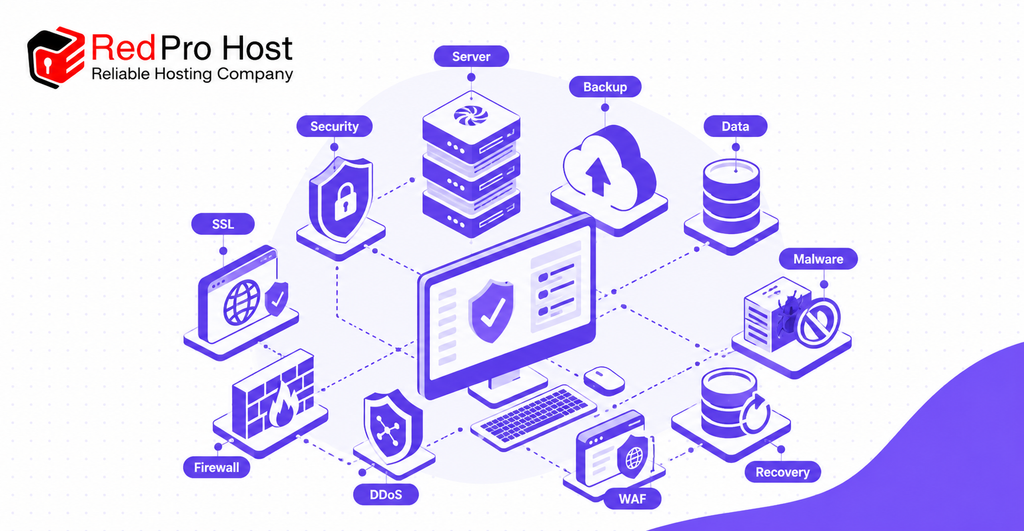
SSL Certificates, Firewalls, and DDoS Protection
A hosting service should support HTTPS encryption, access controls, and protection against common attacks. SSL/TLS certificates encrypt information transmitted between website visitors and the server. Automatic certificate renewal can help prevent avoidable HTTPS interruptions.
A web application firewall (WAF) filters certain malicious website requests. DDoS protection helps defend against attacks designed to overwhelm online services. Neither feature eliminates every security threat.
For example, an online retailer should protect login access and checkout connections. Ask whether firewall management, malware scanning, and DDoS protection are included. Confirm any usage restrictions or additional security charges.
Automatic Backups and Disaster Recovery
Reliable backups help restore website information after accidental deletion, server failure, or a security incident. For frequently updated websites, daily backups may provide a useful starting point. Transaction-heavy applications may require more frequent recovery copies.
Ask about backup frequency, retention periods, storage location, and restoration procedures. Confirm whether backup copies are stored separately from your hosting environment. Also, determine whether restoration support costs extra.
A backup is useful only when its contents can be restored successfully. Ask whether the provider performs recovery testing. For critical applications, clarify acceptable recovery time and potential data loss.
Data Protection and Security Responsibilities
Website security is usually a shared responsibility between the hosting provider and the customer. The provider manages specified infrastructure protections under its service agreement. Your business may remain responsible for website software, passwords, permissions, and application updates.
For example, an outdated WordPress plugin can create security risks despite protected hosting infrastructure. Companies handling regulated data should also investigate applicable legal and contractual requirements. Confirm data residency and compliance support before processing sensitive customer information.
5. Choose Hosting That Supports Business Growth
Scalable hosting allows your company to increase computing capacity when website demand grows. A suitable hosting plan should accommodate reasonable expansion without unnecessary disruption. Review upgrade flexibility before committing to a long-term contract.
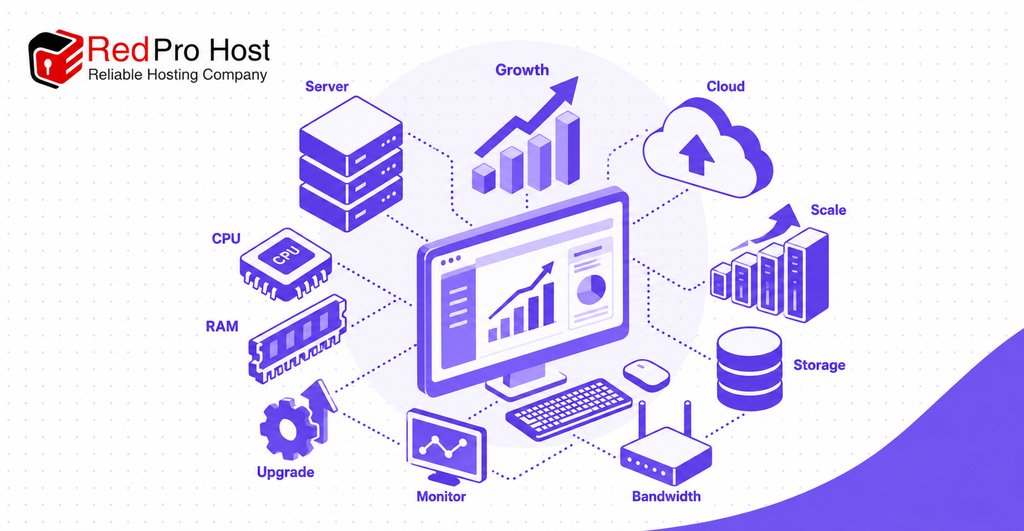
Check Resource Upgrade Options
Confirm whether the provider allows upgrades to RAM, CPU allocation, storage, and bandwidth. Some services support resource changes through a control panel. Other arrangements may require server migration or planned downtime.
For example, a company might need additional RAM after introducing a customer booking system. Ask whether upgrades preserve existing website data and configurations. Also, check whether you can reduce resources when demand decreases.
Plan for Traffic Spikes and Business Expansion
Traffic spikes can increase server demand beyond the capacity of a basic hosting plan. For example, a promotion might raise daily visits from 500 to 5,000. Actual server requirements depend on simultaneous activity and application efficiency.
Cloud infrastructure may offer automatic scaling for changing workloads. Some VPS plans require manual resource upgrades instead. Ask which scaling methods are available and how additional usage is billed.
Monitor actual resource consumption before purchasing expensive upgrades. Review CPU usage, memory demand, storage growth, and website response times. These measurements help determine whether your company needs additional hosting capacity.
6. Compare Hosting Costs and Long Term Value
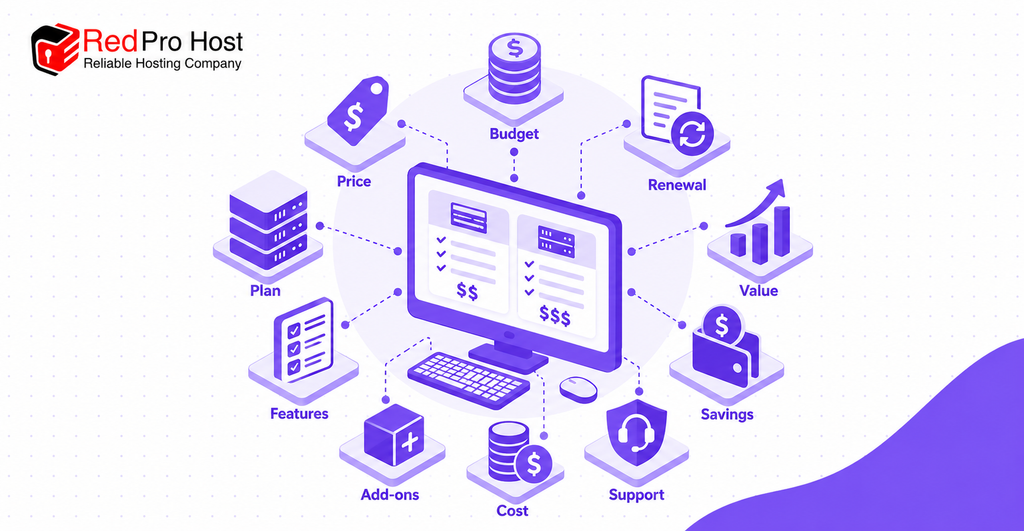
Compare hosting services using their complete ownership cost rather than their introductory monthly price. Renewal fees, additional services, and administration expenses can change the total significantly. Evaluate equivalent features across providers before deciding which plan offers better value.
Compare Introductory and Renewal Prices
Introductory hosting prices may apply only during the first billing period. A plan advertised at $5 monthly might renew at $12 monthly. That difference increases the annual subscription from $60 to $144.
Check the regular renewal rate before purchasing. Compare monthly and annual contracts using the same period. Also, review cancellation rules and automatic renewal settings.
Identify Hidden Fees and Additional Costs
Additional charges may include backups, domain renewal, email hosting, migration assistance, and security services. These costs are not always included in the advertised starting price. Review the complete feature list and billing terms.
For example, a $6 monthly plan with a $4 backup add-on costs $10 monthly. Restoring a backup or moving a website may also involve service charges. Ask the provider for written confirmation of essential inclusions.
Calculate the Total Cost of Hosting
Total hosting cost includes subscription charges, required add-ons, setup expenses, and ongoing management. Calculating costs over three years makes introductory discounts easier to evaluate. Use the same calculation method for every shortlisted provider.
Consider this illustrative example:
| Expense | Three-year cost |
| First-year hosting | $60 |
| Second-year hosting | $144 |
| Third-year hosting | $144 |
| Backups ($36 annually) | $108 |
| Total | $456 |
This example excludes taxes, domain fees, and optional administration expenses. Actual hosting prices depend on the provider and contract. Compare the final cost against resource capacity, included protection, and support quality.
The cheapest suitable plan may offer better value than a costly service containing unnecessary features. However, insufficient capacity can create performance problems and additional migration expenses. Choose based on practical requirements and sustainable long-term costs.
7. Evaluate Hosting Support and Provider Trustworthiness
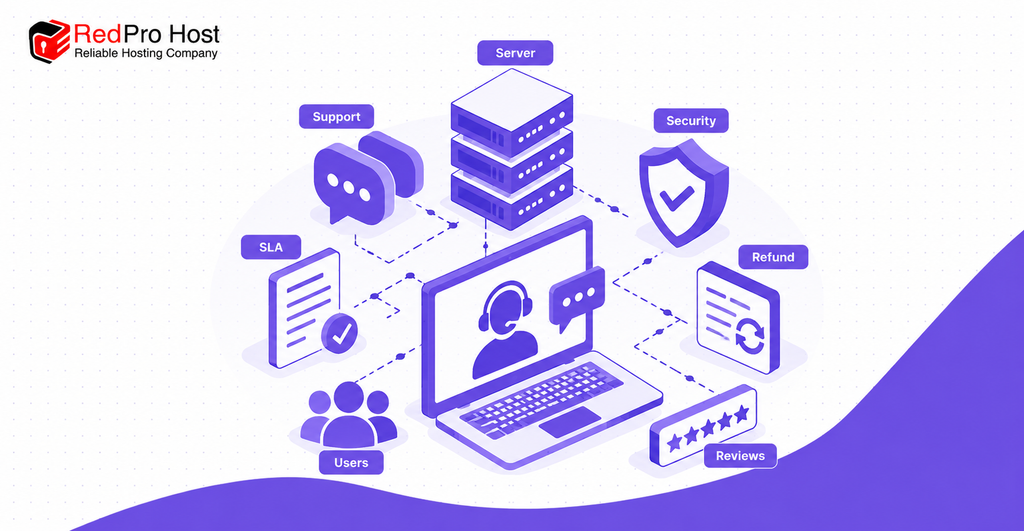
Choose a hosting provider with transparent service terms, dependable technical support, and verifiable performance claims. A low-cost plan offers limited value when important problems remain unresolved. Support quality becomes especially important when your company lacks an internal IT team.
Check Technical Support Availability and Quality
Review support availability, communication channels, response targets, and technical expertise before purchasing. A company operating continuously may require 24/7 assistance. Support channels can include telephone, live chat, email, and ticket systems.
Test the provider with a relevant technical question. For example, ask how website restoration works after a database failure. Assess whether the answer explains the process clearly and accurately.
Fast initial responses do not always mean problems will be resolved quickly. Ask whether technical support covers WordPress errors, server configuration, and website migration. Also, confirm escalation procedures for critical outages.
Review Customer Feedback, SLAs, and Refund Policies
Independent feedback can help identify recurring hosting problems involving reliability, support, and billing. Look for specific experiences rather than relying entirely on star ratings. Consider review dates, recurring complaints, and the provider’s responses.
Read the service agreement before purchasing. Check uptime exclusions, compensation procedures, account restrictions, and cancellation conditions. A 30-day refund policy may exclude certain charges, including domain registration or setup fees.
Verify Hosting Claims Before Purchasing
Ask providers to confirm important claims using written documentation and available performance evidence. Request information about resource limits, backup retention, restoration procedures, and migration support. Check whether promised security measures require additional subscriptions.
If a trial is available, test your actual website rather than an empty installation. Measure important page performance and confirm that essential functions operate correctly. Keep the results for comparison with other shortlisted plans.
Common Mistakes to Avoid When Choosing Web Hosting
Avoid choosing hosting based only on price, advertised resources, or promotional promises. A suitable service should support your company’s workload and operational requirements. Review the following mistakes before making a purchase.
- Ignoring resource limits: Check CPU quotas, RAM, storage, and fair-use restrictions behind unlimited hosting claims.
- Choosing excessive capacity: A basic company website rarely requires an entire dedicated server.
- Overlooking renewal fees: Calculate the full contract cost rather than relying on introductory discounts.
- Skipping backup verification: Confirm that website data can be restored within an acceptable period.
- Ignoring support quality: Test the provider’s technical assistance before committing.
- Forgetting future growth: Understand upgrade restrictions and additional resource costs.
- Neglecting migration planning: Confirm website transfer, DNS management, email continuity, and rollback support.
Migration planning is especially important when replacing an existing provider. Create an independent backup before transferring your website. Test the new environment before changing DNS records, and retain a rollback option until the migration is confirmed.
How to Compare Hosting Providers and Make the Final Decision
The most effective hosting comparison uses consistent criteria based on your company’s actual requirements. Evaluate each shortlisted provider against the same checklist. Avoid letting one attractive feature outweigh important limitations.
Business Hosting Evaluation Checklist
| Selection factor | What to verify |
| Website compatibility | CMS, application, and database support |
| Hosting resources | CPU, RAM, storage, and bandwidth limits |
| Performance | Speed measurements and server response |
| Reliability | Uptime history and SLA conditions |
| Security | HTTPS, firewall, DDoS protection, and backups |
| Scalability | Resource upgrades, migration, and scaling costs |
| Pricing | Three-year cost and renewal rates |
| Technical support | Availability, expertise, and support scope |
| Recovery | Backup retention and restoration procedures |
| Contract terms | Refunds, cancellation, and data portability |
Match Hosting Options to Your Business
A small company website may only require shared hosting with dependable support and backups. A growing online store may benefit from managed VPS or cloud hosting. A demanding custom application may require dedicated infrastructure or a carefully configured cloud environment.
These examples provide starting points rather than fixed recommendations. Your actual requirements depend on traffic patterns, software, and acceptable downtime. Compare at least two suitable plans before selecting a provider.
Confirm the Final Details
Before paying, verify the renewal price, resource limits, backup policy, security features, and upgrade procedure. Request written clarification when the published information is incomplete. Review the provider’s service agreement and refund conditions.
Choose the plan that meets your present needs while allowing practical growth. Avoid paying for capacity that your company has no reasonable expectation of using. Reassess your hosting requirements as website demand changes.
Frequently Asked Questions
What Type of Hosting Is Best for a Small Business?
Shared hosting may be sufficient for a small company running a simple, low-traffic website. Managed VPS hosting may suit growing businesses needing additional capacity. Choose according to workload, support requirements, and budget.
How Much Should a Company Pay for Web Hosting?
Hosting costs depend on the service type, required resources, and included management. Compare introductory charges, renewal prices, backups, and security services. Calculate total ownership costs instead of relying on one advertised monthly price.
Is Cloud Hosting Better Than Shared Hosting?
Cloud hosting can provide greater resource flexibility, but it is not automatically the better choice. Shared hosting may be sufficient for a small informational website. Cloud hosting may be more suitable when demand changes significantly.
Can I Change Hosting Providers Without Losing My Website?
Yes, a website can generally be migrated without losing data when the transfer is planned correctly. Back up website content and databases before moving. Test the destination hosting service before changing DNS records.
Does Web Hosting Affect Website SEO?
Hosting can influence SEO indirectly through website performance, availability, and user experience. Slow server responses may contribute to poor loading metrics. However, hosting alone does not determine search rankings.
Do I Need Technical Knowledge to Manage Business Hosting?
Technical expertise requirements depend on whether your hosting service is managed or unmanaged. Managed hosting can reduce routine server administration responsibilities. Unmanaged hosting generally requires greater knowledge of server configuration, maintenance, and security.
Conclusion
Choosing the right hosting service starts with understanding what your company actually needs. Compare hosting types, resource capacity, uptime, security, scalability, costs, and technical support. Verify important provider claims instead of relying on advertised promises.
These seven tips provide a practical approach to evaluating business hosting services. Use the comparison checklist to assess suitable plans against your requirements. The right choice should support reliable website operation, manageable costs, and future business growth.